AI voices and speech
Set up speech for one or two speakers within a video. Choose a language and voice or design a voice from a description; configure background separately.
- Describe your idea
- Review the steps
- Save the result
Watch first. Then make it yours.
Real examples from Aivgen. Open a video, hear the voices and discover how it was made.
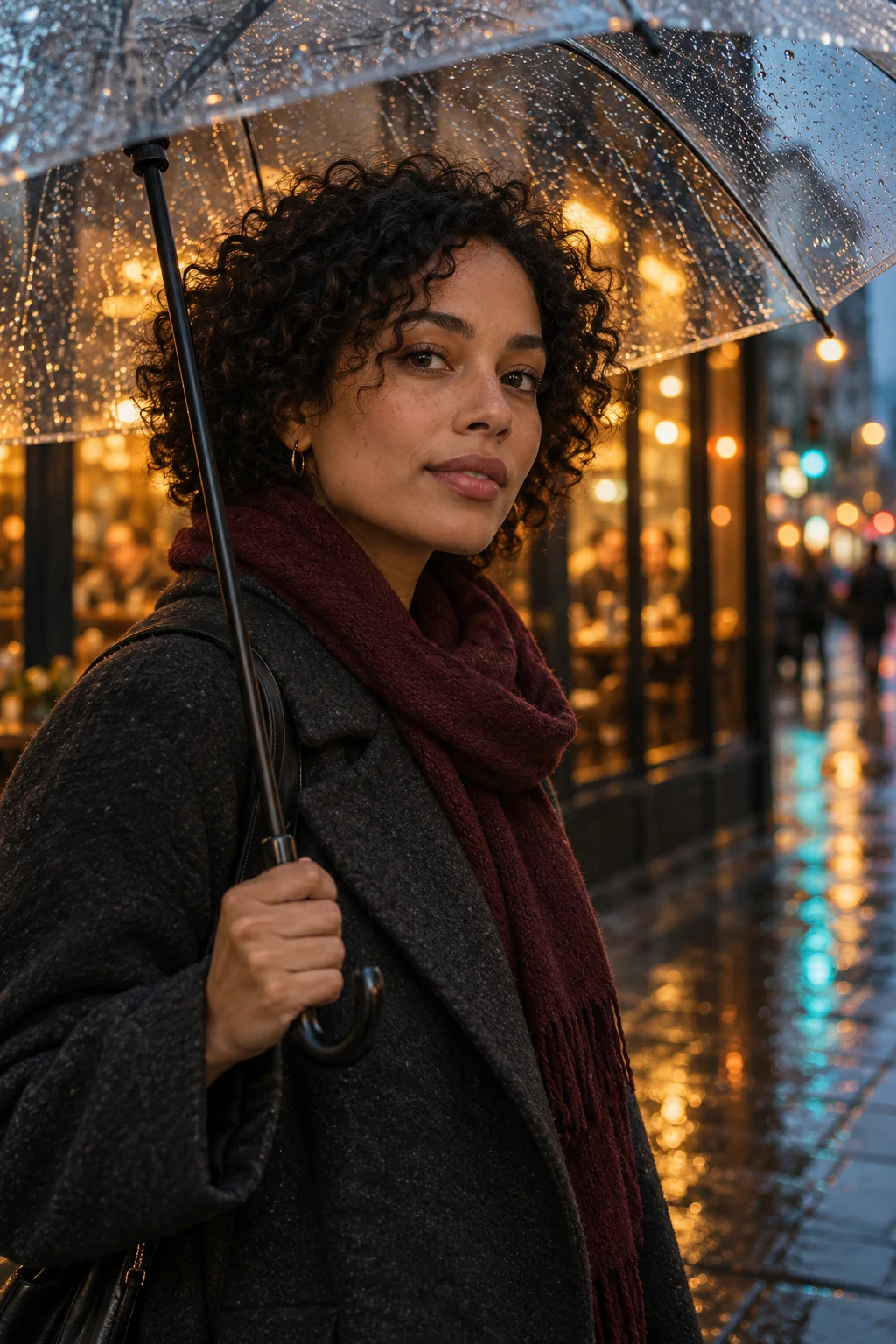
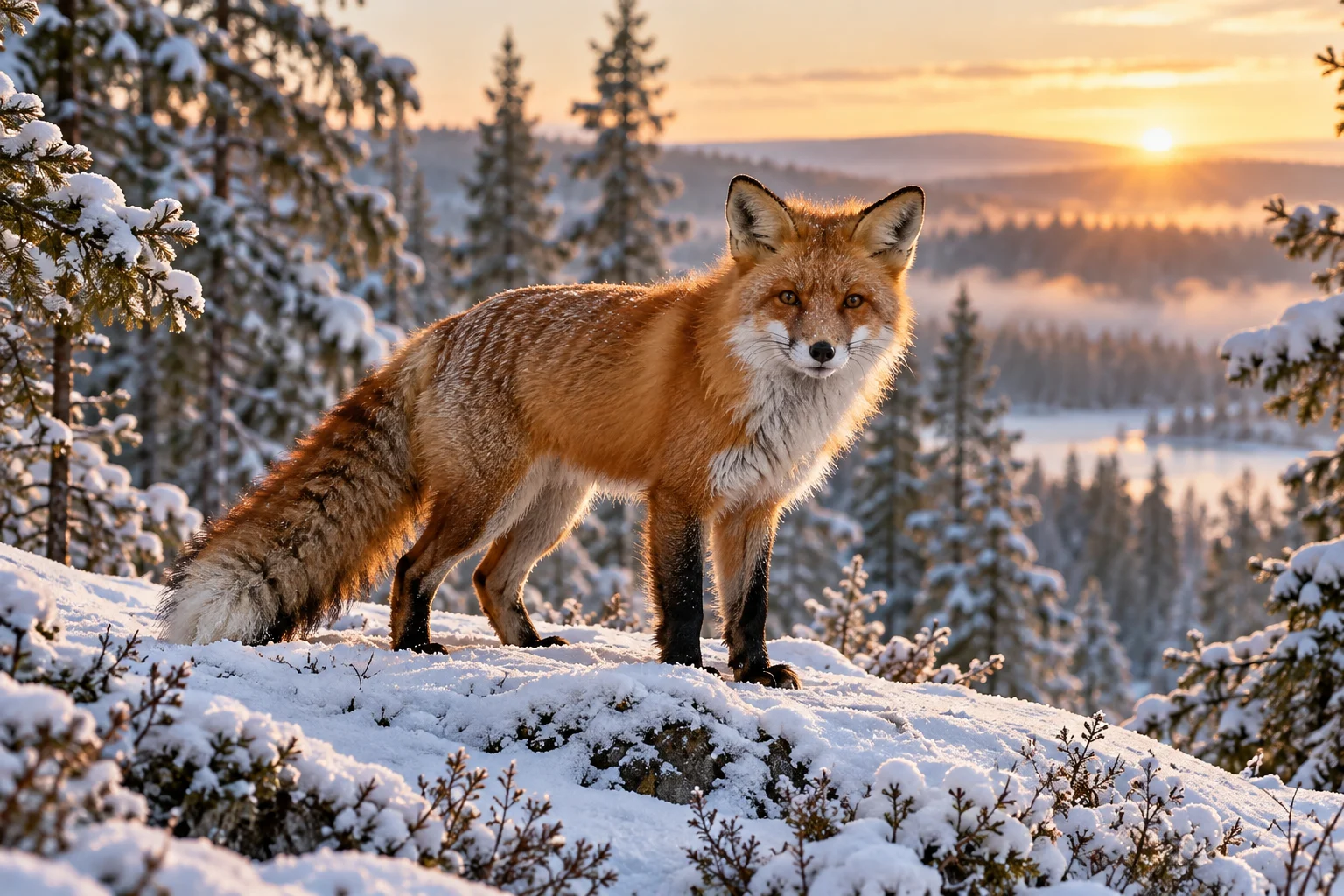
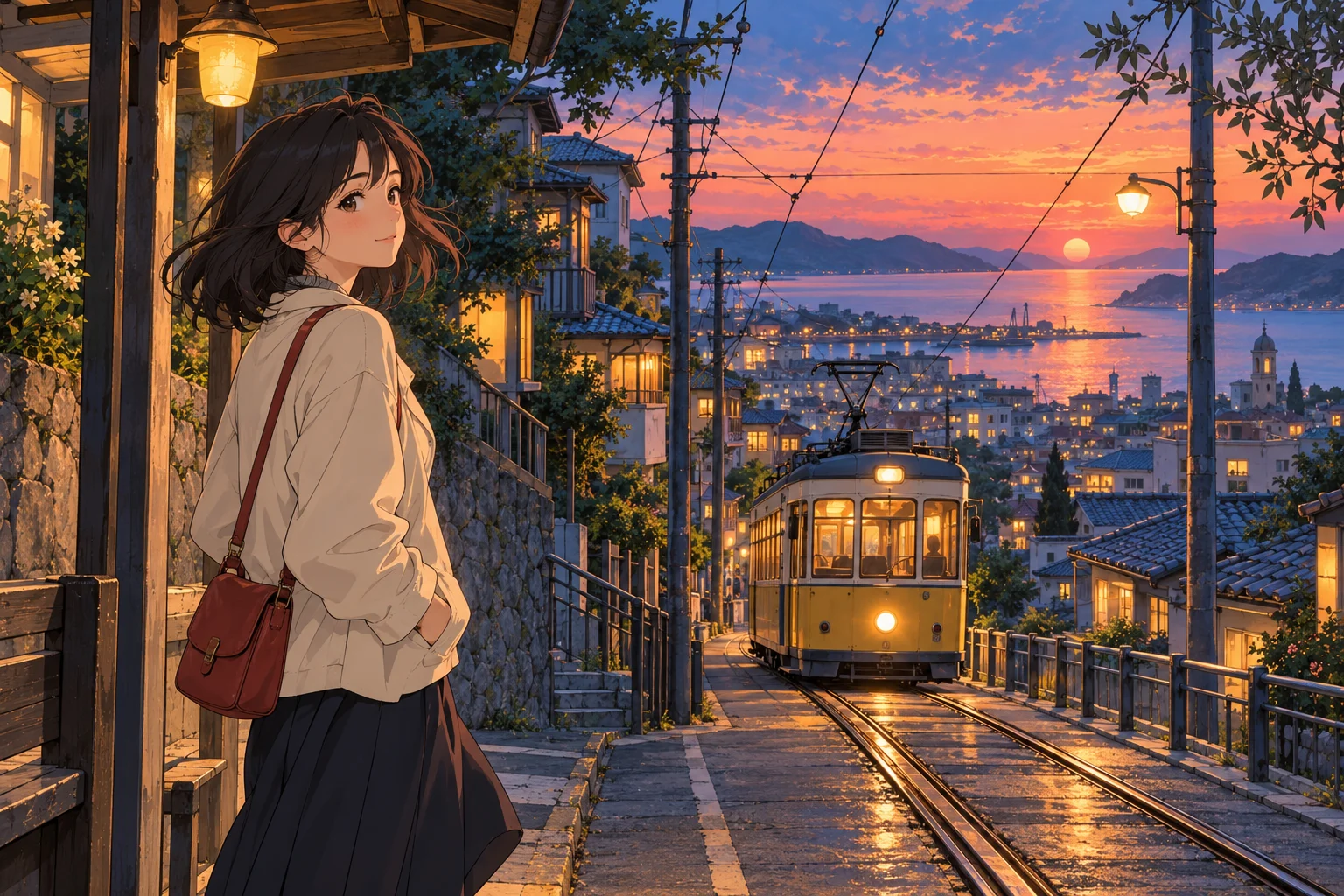
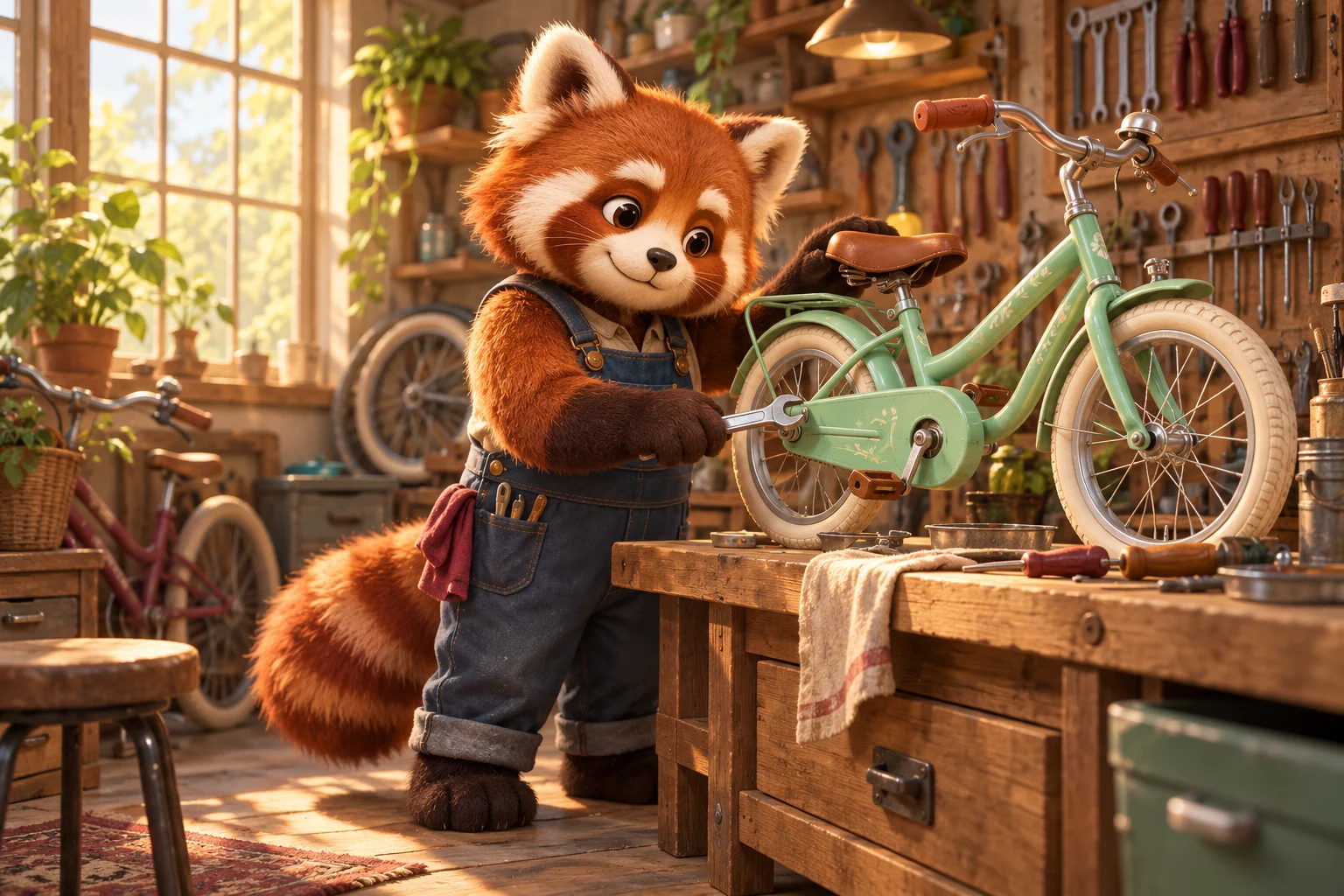
Loading examples…
Estimate without signing in
Estimated using current rates. Extra operations cost separately. Review the final estimate before starting.
Image + video
…5 sec · 480PVideo from your image
…5 sec · 480PSpeech only; video cost excluded
…5 secFeatures
AI video generator
Create a video from a description or your image. Choose duration, resolution, speech and background, then review the cost before starting.
Image to video
Upload an image and describe character and camera motion. Configure sound first, then choose the video duration.
Text to video
Describe the setting, characters and action. Generate and approve the first frame, then turn it into a video with your scenario.
AI image generator
Describe the subject, lighting and style. Choose an image format, generate variations and save your preferred result.
AI photo editor
Upload a photo or open a generated image. Describe what to change and compare the original with the edited result.
AI video editor
Open your video in the editor. Select a segment and frames to edit; replacing the segment preserves duration and original audio.
Questions and answers
How do I start?
Describe your idea. Review the steps. Save the result.
What affects the price?
You choose the operations. Aivgen shows the cost before you start. Estimated using current rates. Extra operations cost separately. Review the final estimate before starting.
Can I edit the result?
Open your video in the editor. Select a segment and frames to edit; replacing the segment preserves duration and original audio.
How long does generation take?
Time depends on duration, resolution and service load. An exact completion time cannot be guaranteed.
How can I improve quality?
Describe the subject, lighting and style. Choose an image format, generate variations and save your preferred result.
What are the limitations?
Files and requests are checked. Available durations, formats and languages are shown in settings; the service may reject a request.